
Speak. It types where you already are.
Four steps. No window to manage.
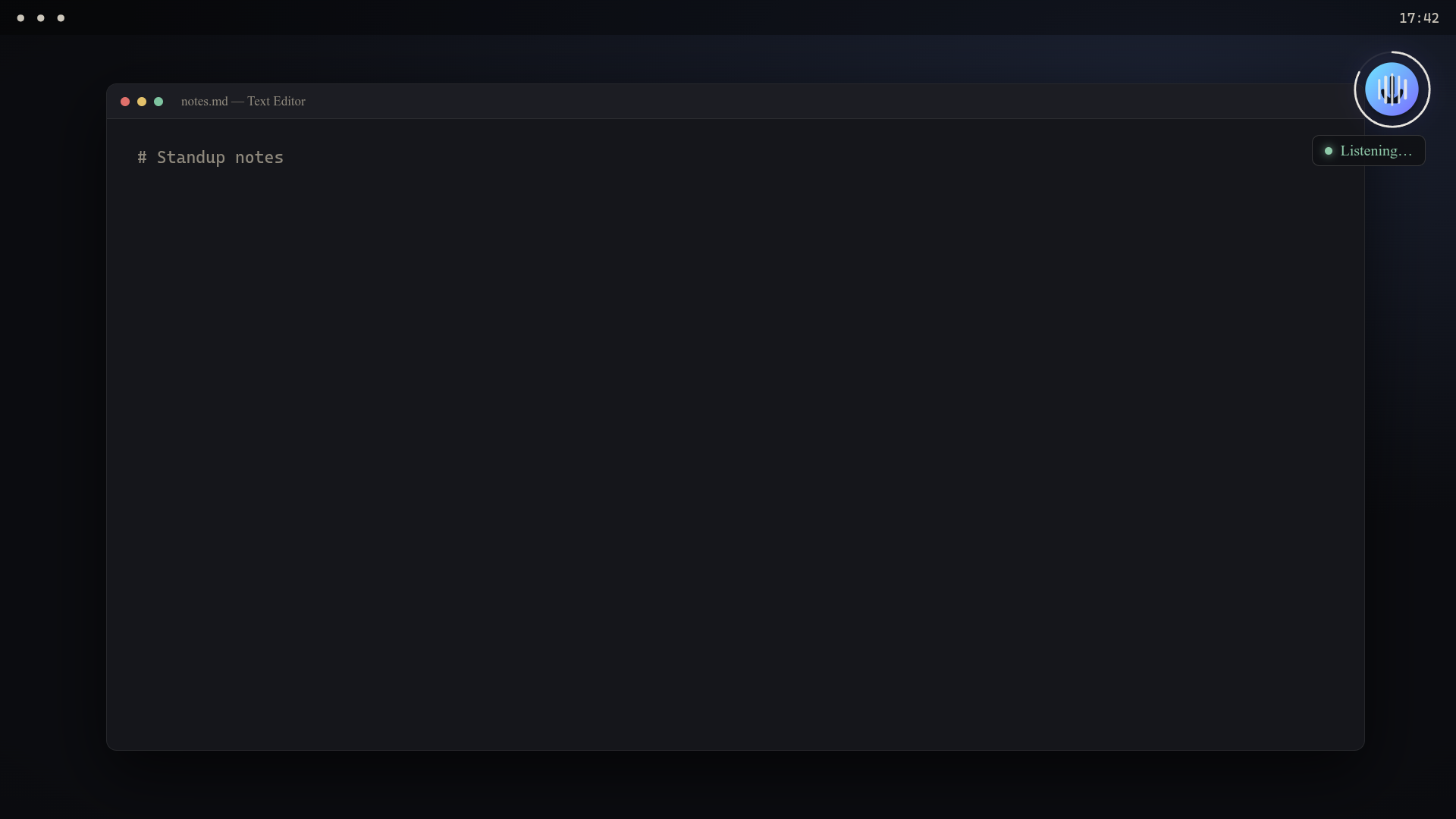
Focus any field
A browser bar, a code editor, a chat, a form — anywhere your cursor already is. JohTalk doesn't open its own text box.
Press Super+A
Or click the tray icon, or the floating logo. The always-on-top widget lights up and starts listening.
Speak
Recording auto-stops after about 1.2 seconds of silence — or press the shortcut again to stop yourself.
It types
The transcript is typed into the focused field and copied to the clipboard, so you can paste if insertion ever missed.
Local or cloud. Your machine, your mic.
Run fully offline with a local Whisper model, or send to OpenAI, ElevenLabs, Google or xAI. Pick per task in settings.
- Local Whisper via
faster-whisper— no network, no per-use cost - Cloud providers: OpenAI, ElevenLabs, Google, xAI
- Native typing on every platform —
SendInputon Windows,ydotoolon Wayland - Clipboard fallback so a missed insertion is never lost
Linux and Windows, done properly.
Linux / Wayland
Global Super+A shortcut via the Tauri portal and a Hyprland session bind. Native typing through ydotool, clipboard via wl-copy. Hyprland is the happy path; other Wayland compositors work too.
Windows
An NSIS installer, native SendInputtyping (no helper daemons), and mic capture through ffmpeg DirectShow. WebView2 is fetched automatically if it's missing.
JohTalk is live.
Free, and running on both Linux and Windows — fully offline with a local Whisper model, or through the cloud provider of your choice.