
See your words as you speak
Pick a streaming engine and a small caption shows what you're saying while you say it: settled words in white, the model's current guess in grey. johTalk can type each word as soon as it settles.
Windows, macOS and Linux
johTalk is voice typing for your whole computer. Press a shortcut, say what you mean, and the words land at your cursor in whatever app you're using.
Types wherever your cursor is
How it works
johTalk sits on top of your screen as a small capsule. It stays quiet until you need it, then gets out of the way again.
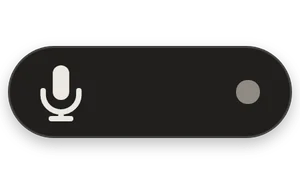
STEP 1
Ctrl+Alt+Space on Windows, Option+Space on a Mac, Super+A on Linux, or a shortcut you pick. Or click the little capsule on top of your screen.
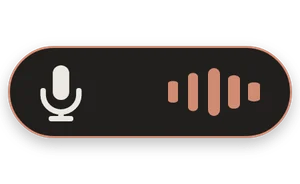
STEP 2
Talk the way you would to a person. The capsule moves with your voice, so you always know it's hearing you.
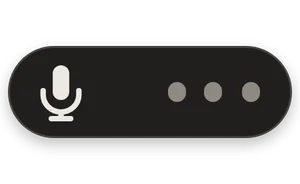
STEP 3
Your words are typed right where your cursor is, and copied to the clipboard too. That's the whole routine.
Features
Short replies, long emails, prompts for an AI, notes to yourself. johTalk handles all of them without making you think about it.
Pick a streaming engine and a small caption shows what you're saying while you say it: settled words in white, the model's current guess in grey. johTalk can type each word as soon as it settles.
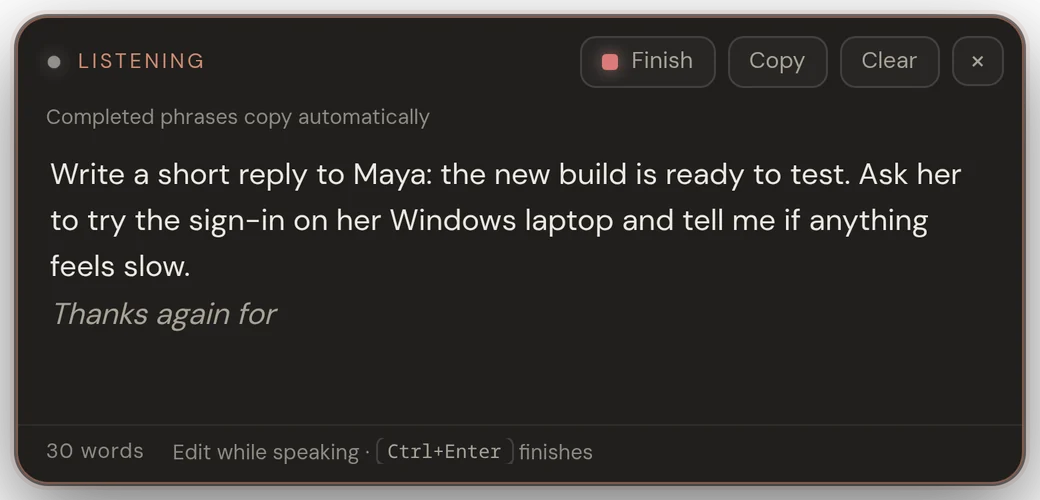
Want to look before anything goes anywhere? The prompt box collects your words in a small editor. Fix a name, keep talking, then copy it or drop it into the window you started from.
Line breaks become spaces, so dictating into a chat or a terminal can't send anything early.
A second shortcut you hold while speaking. Let go and the text is pasted where you were.
Every take is copied as well, for the odd app that won't accept typed text.
Local models stay loaded between takes and free their memory after five quiet minutes.
Engines
Choose how your speech becomes text: free engines that run on your computer, or the cloud service you already pay for. Switching is one click, and each engine keeps its own settings.
Your keys stay on your computer. They're saved in johTalk's settings and only ever sent to the provider you picked. We never see them.
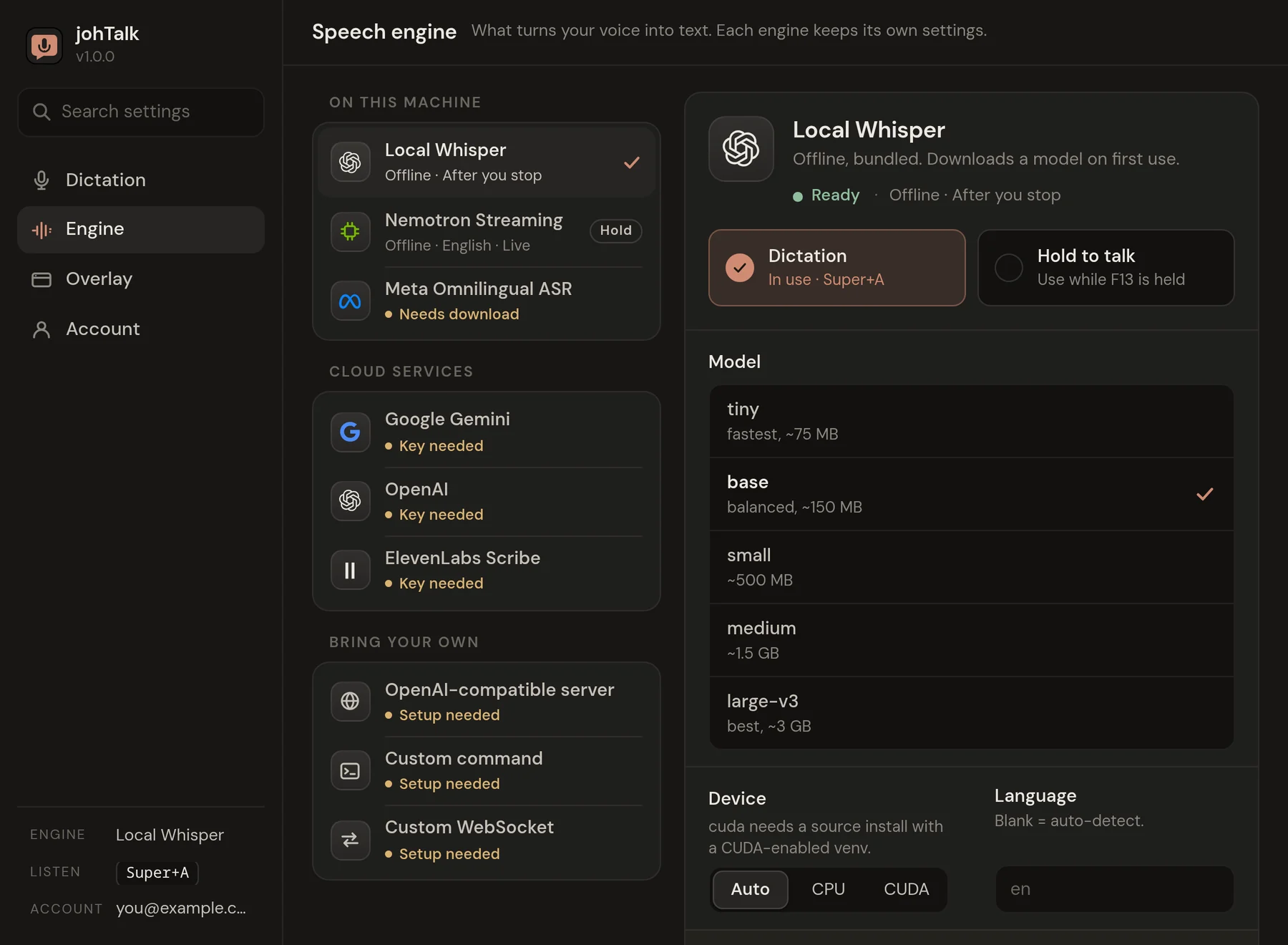
Free. No key. Works offline once the model is downloaded.
You pay the provider directly. Nothing goes through us.
Privacy
With a local engine, your audio and text are processed on your computer and go nowhere else.
Choose a cloud engine and your audio travels straight from your computer to that provider, on your own account. It never passes through us.
Our server knows your sign-in, your purchase and the names of the computers you unlocked. Not your words, not your audio, not your keys.
Pricing
Download johTalk for free. When you're ready to dictate, unlock it once and it's yours on up to three computers. No subscription, no tiers, no upsell.
johTalk licence
$5.99once
US dollars. Pay once, keep it.
Sign in with Apple or Google. Secure checkout by Stripe.
Download
Latest version · Free to download
Windows 10 or 11, 64-bit
Apple Silicon Macs (M1 or newer)
64-bit (x86_64)
A johTalk licence, paid once. It unlocks every feature and every engine on up to 3 of your computers, and updates are included. There is no subscription and nothing else to buy. If you choose a cloud engine, that provider bills you for your own API key.
The download is free, so you can install johTalk and look around, but dictation stays locked until you unlock it. If johTalk isn't for you, email joh@johflow.com within 30 days of buying and you get a full refund, no questions asked.
Yes, with a local engine. Local Whisper comes bundled and downloads its model the first time you use it (about 150 MB for the default size). Nemotron Streaming and Meta Omnilingual ASR are one-click downloads in Settings. After that, dictation needs no internet. johTalk checks your licence now and then when you're online, so short stretches offline are fine.
The local engines need no key: Local Whisper, Nemotron Streaming (live English) and Meta Omnilingual ASR (1600+ languages). If you prefer a cloud service, paste your own key for OpenAI, ElevenLabs Scribe or Google Gemini, or point johTalk at any OpenAI-compatible server such as Groq or Fireworks. A custom command or a custom WebSocket can plug in almost any other speech model.
With a local engine, audio and text never leave your computer. With a cloud engine, your audio goes straight from your computer to the provider you picked, using your key, and never passes through our servers. Your keys are saved in johTalk's settings on your computer and are only ever sent to that provider.
Windows 10 and 11 (64-bit), macOS on Apple Silicon (M1 or newer), and Linux on x86_64 as an AppImage or a .deb. Intel Macs are not supported. On Linux with Wayland, typing into other apps needs ydotool; the download page explains the setup.
Almost anything with a text cursor: email, chat, documents, code editors, terminals and browser fields. Every transcript is also copied to your clipboard, so you can paste it if an app won't take typed text. johTalk turns line breaks into spaces and never presses Enter, so it can't send a message by accident.
Updates are included. johTalk checks for new versions by itself and lets you install one with a click. The Linux .deb doesn't update itself; download the new .deb from this site when a new version is out.
Up to 3 at a time, in any mix of Windows, macOS and Linux. To move johTalk to another computer, sign an old one out on your account page.
First turn off "Start johTalk when I log in" in johTalk's Settings, under Account. Then on Windows, remove johTalk in Settings, Apps. On a Mac, drag johTalk from Applications to the Trash. On Linux, delete the AppImage, or run sudo apt remove joh-talk if you installed the .deb.
Yes. Within 30 days of buying, email joh@johflow.com from the address you signed in with and we refund the full $5.99. No questions asked. After a refund, johTalk locks again on your computers.
Yes, to unlock johTalk. You sign in on johflow.com with Apple or Google, so there's no new password. The account holds your licence and the list of computers using it.
Download johTalk for free, then unlock it for $5.99, once.